
How to add magic to your photos with the bokeh effect
Reading time: 5 min.
13/11/2023
If you dream of adding a magical touch to your photos, the bokeh effect is exactly what you are looking for. What many people see as just a blur effect is actually a useful technique for immediately highlighting a beautiful portrait or creating a clear contrast between the foreground and the background.
And the best part is that you do not need expensive equipment. At Album di Figurine, we like to keep things simple: your smartphone already has everything you need. So, in this article, we will explore the wonderful world of the bokeh effect and show you how to use it easily on the latest smartphones to create eye-catching portraits that look so much like our beloved stickers. Get ready to discover how to highlight the details that matter most… let’s begin.
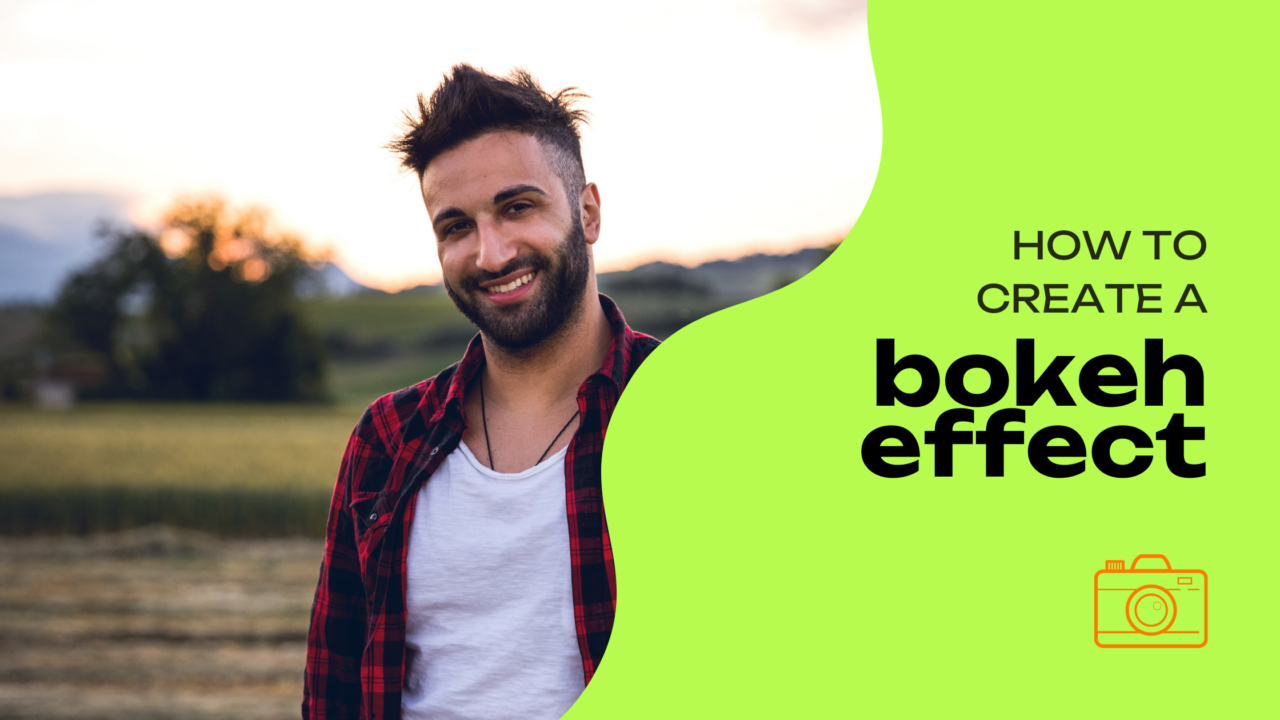
What is the bokeh effect: the magical touch of your camera
Let us begin by defining the bokeh effect before exploring how it works. Put simply, it is that lovely blurred background that makes the main subject of a photograph stand out. More generally, it is a technique that creates an artistic blur around lights or background elements, giving the final image a dreamlike and professional look.
And while it was once thought to be possible only with expensive DSLR cameras and a good command of manual settings, that is no longer the case. All you need is the smartphone camera you always have with you — and these six simple tricks.
1. Use Portrait mode to achieve perfect bokeh
The good news is that there are more ways to achieve it than you might think, starting with Portrait mode. The latest smartphones often include a dedicated mode that offers a quick and easy way to create a beautiful bokeh effect. Simply activate it, and the camera app itself will usually suggest the ideal distance for capturing stunning photos, with your subject in sharp focus and the background beautifully blurred.
2. Distance: the setting you really need to pay attention to
Very often, all you need to do is adjust the distance from the subject manually and focus on it correctly. To achieve a more pronounced bokeh effect, you should make sure that your main subject is positioned far enough away from the background. This creates a greater separation between the subject and its surroundings, enhancing the blur effect.
3. Use lights to create unique patterns
Try photographing a scene filled with sparkling lights — such as Christmas lights or street lamps glowing in the city after sunset. Turn on Portrait mode and enjoy the final result: those points of light will turn into soft blurred circles, creating a bokeh effect with undeniable charm.

4. Download a dedicated app
Does your smartphone not have Portrait mode, or is it a model that is a few years old? No problem. There are many apps that can help, allowing you to add a bokeh effect to your photos even after taking them. Very often, these are the same editing tools that can help you in post-production to improve your shots, so experiment and find the one that best suits your style.
5. Natural bokeh
If you are shooting outdoors, look for any element that can be used as a natural frame. By focusing on a subject within this natural frame, you can easily create a pleasing blur effect without even activating Portrait mode.
What is more, natural elements can create a particularly evocative result if you manage to balance the sunlight filtering through them, the play of colours — for example in an autumn forest — and a creative composition.
6. Make the most of the bokeh effect on iPhone and Huawei smartphones
iPhones have always been outstanding when it comes to digital photography, and the latest models even more so, as they offer an advanced Portrait mode that allows you to adjust the intensity of the bokeh effect. Simply open the Camera app, select Portrait mode, and experiment with the level of blur you prefer.
In a similar way, you can customise the final effect on Huawei smartphones as well. Thanks to their powerful camera technology, they offer various options for achieving beautiful bokeh. For example, manual settings are ideal for adjusting the lens aperture and fine-tuning the bokeh effect to match your personal style.
Now that you know how to take your portraits to a whole new level with the bokeh effect, why not add a touch of originality by turning the final result into a sticker? If the idea appeals to you, come and discover our personalised sticker albums.
More news from the world of figurines

HDR Photos: What Does This Acronym Mean?

7 of the Most Photographed Cities in the World

Municipality of Gordona: over 500 stickers, dozens of pages, and a story to tell

How to Save Your Phone Photos to the Cloud: A Guide to Secure Backup

8 Photo Ideas to Try at the Beach

A photo album for a First Communion? With stickers, it’s even more creative!
Blue Hour Guide: What It Is and How to Photograph It

Guide to black-and-white photography for snowy landscapes

The world of tiny details: a simple guide to macro photography with your smartphone

Custom Sticker Album: What it is, who it’s for, and for which occasions

So scary: how to organise a Halloween party and take spine-chilling photos!

5 Artistic Couple Photo Ideas to Gift on Valentine’s Day

The essential guide to mountain photography

How to turn a grainy photo into a masterpiece: 5 easy tips
Where to do street photography in Rome

How to Photograph Cats and Capture Perfectly Sweet Shots

DIY photo album? Even better… DIY stickers!

A personalized sticker album for every occasion

Autumn colours: 5 tricks for photographing foliage like a professional

How to Photograph the Sunrise: Capture the Magic of the Morning with Your Smartphone

5 Photo Apps to Remove the Background from Your Pictures
Capture the magic of the season: 7 ideas for spectacular autumn photos

Original Valentine’s Day Gifts: Personalized Ideas for Him and Her

Stickers are good for your business

Explore the magic of nature and take incredible forest photos

Tourism marketing: 5 effective strategies

5 Must-Have Apps for Taking Selfies

A touch of magic for your couple photos

How to Photograph the Moon with an iPhone: 5 Tips to Dream Big!

Easy tips for taking photos in the snow

Gift sticker albums to colleagues who are retiring

Original corporate events? Don’t keep your office stuck to their chairs… put them in a sticker album instead!

Top 5 End-of-Year Class Gifts (With a Truly Unique Idea)

How to Photograph Food: 5 Tasty (and Useful) Tips

How to Photograph the Stars with an iPhone: 7 Brilliant Tips

White Balance: the Trick That Makes Your Photos Perfect

5 Ideas for Decorating Your Home with Photos Using Stickers

How to organize a Carnival party using stickers

What to Give a Friend as a Gift: 5 Personalized Ideas

Shoot or skip? A guide to the perfect Christmas gift for photography lovers

How to Create Football Player Stickers

5 original ideas for personalized football stickers

How to photograph stars with your smartphone

How to Photograph a Sunset with Your Phone: 5 Photo-Saving Tips

How to Photograph Your Dog: 5 Tips

10 ideas for organizing an original baby shower

7 street photography tips for beginners
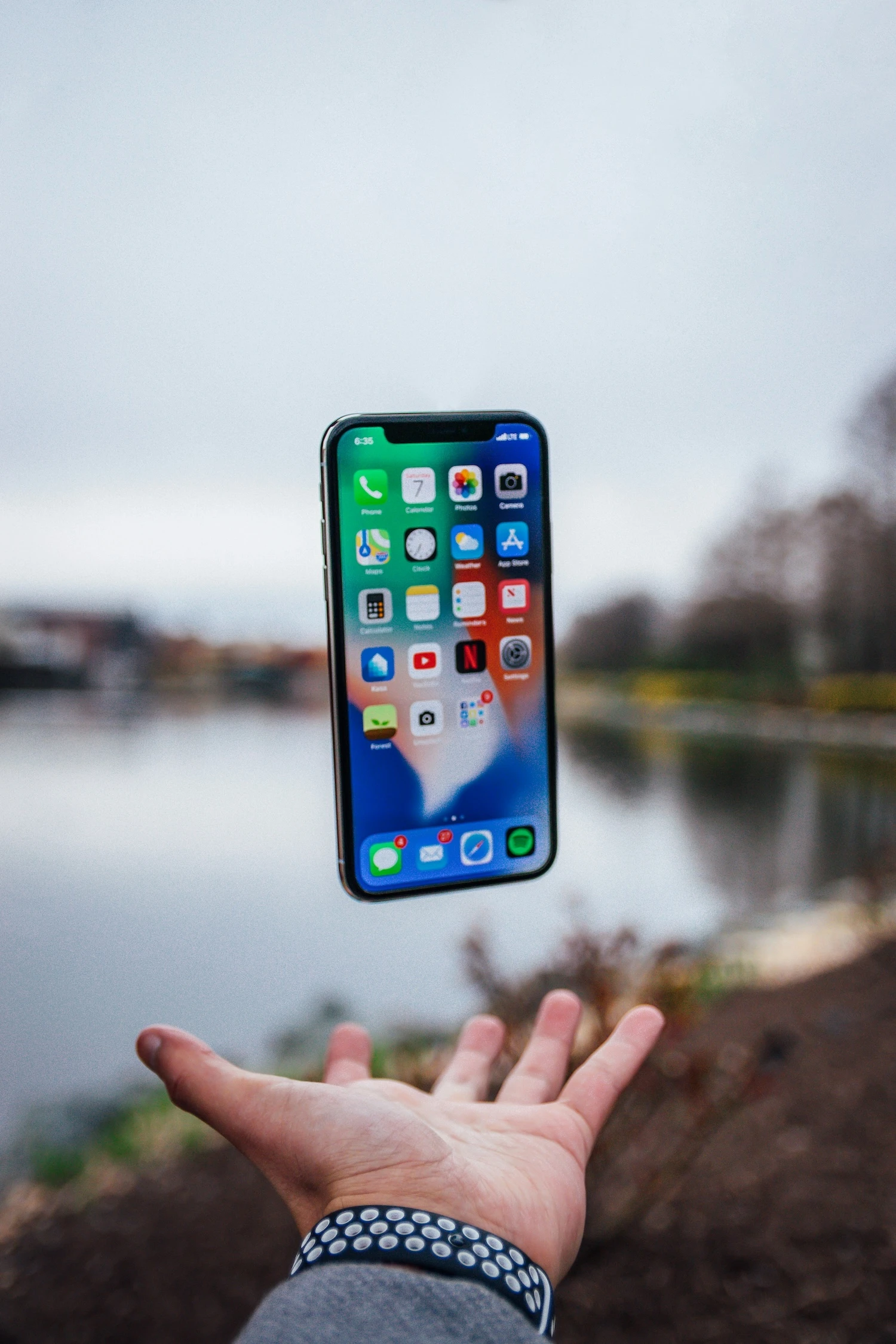
Live Photos: How They Work and Why They Can Make Your Album More Exciting
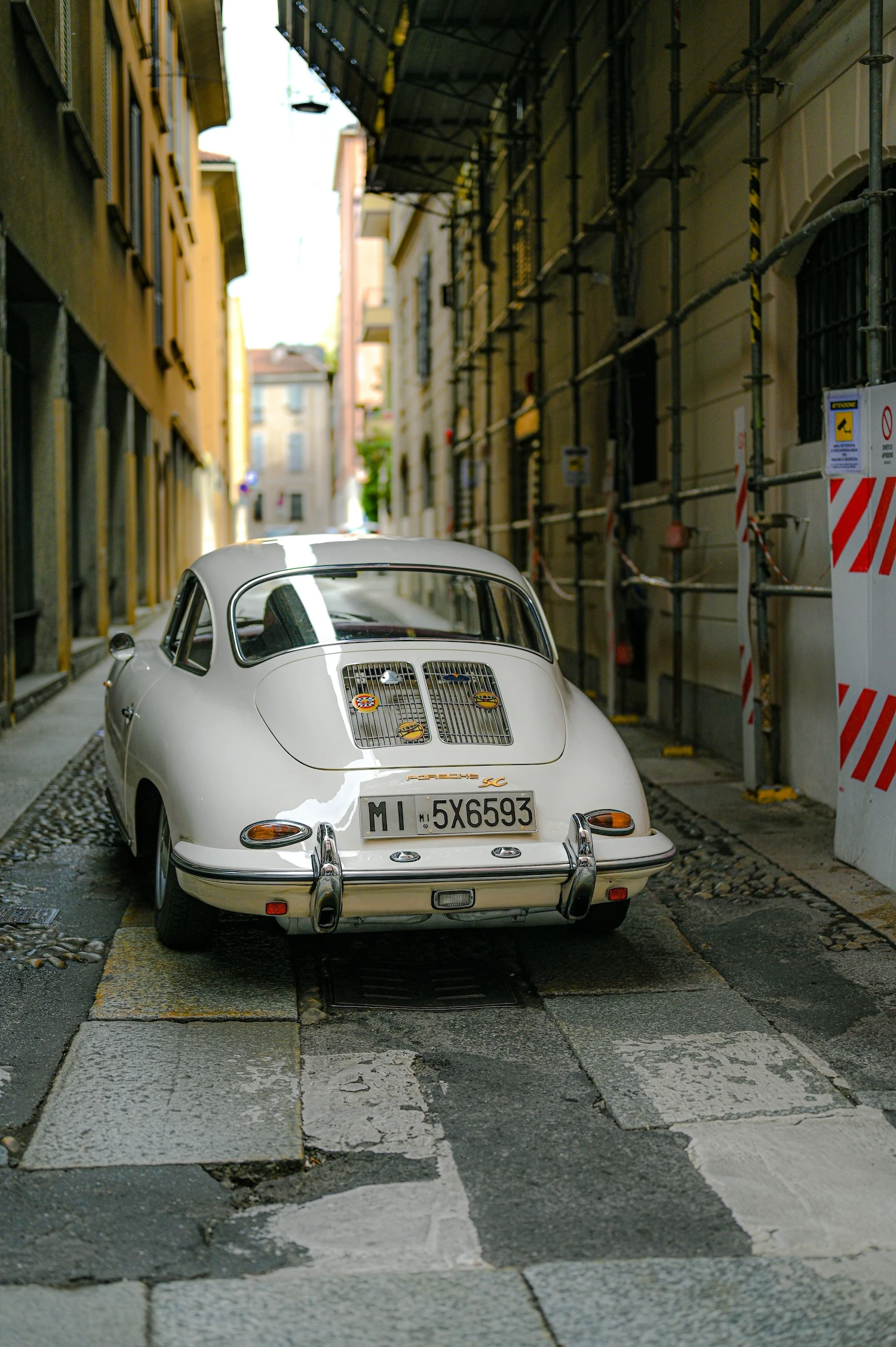
Where to Do Street Photography in Milan: Must-See Spots to Capture the City’s Essence

5 Original Gift Ideas for an 18th Birthday, Full of Creativity

Backlit Photography: 5 Tips for Creating Stunning Images

How to Photograph the Sea with an iPhone: 7 Insider Tips

No More Boomer Selfies: 10 Creative Self-Portrait Ideas That Actually Slay
